How to add another page to the menu
First of all adding a new page is having an extra page which can be in your menu or you can have a subpage which is not listed on your menu but the page can be accessed by clicking on a link. Here are all the steps to do so:
- First click on the add page button which is next to the change background button and click either webpage or blog page.
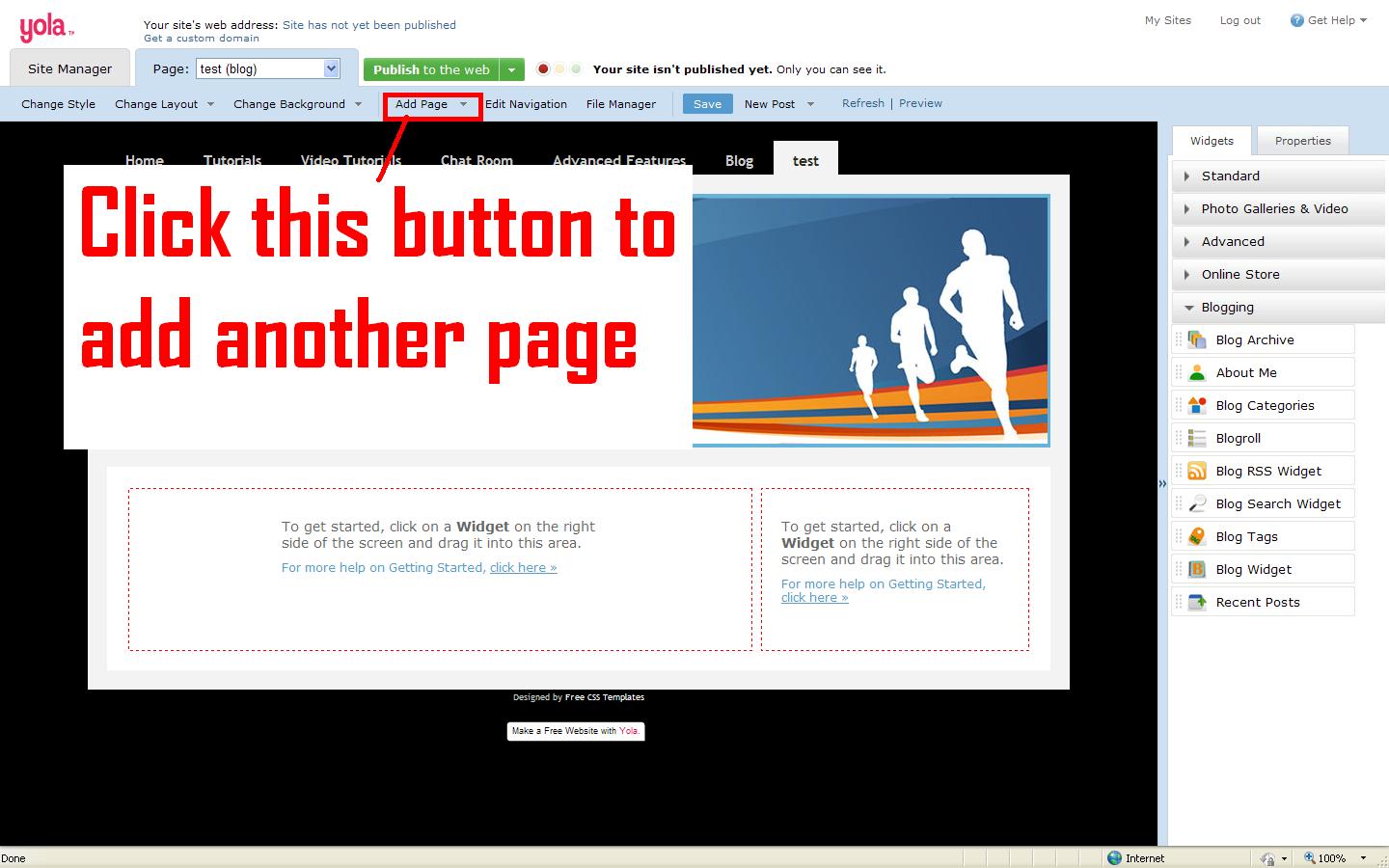
- Second a dialog box will apear fill in the page name, the heading of the page, wether you want a blog or a webpage, if you want it on your websites menu or if you want it as a subpage which is a page that can be accessed by a link on a main page, and if you want your page password protected so that someone has to put in the password to view that page!

- Last but not least click ok

